> Software > DevOps & Containerization > Docker Dedicated Servers

Docker Dedicated Servers High Performance Container Hosting

Get raw, bare-metal power for your containerized applications. Servers99 provides highly secure, fully customizable dedicated servers built to run Docker without the performance drain of virtualization. Scale your microservices on infrastructure that actually keeps up.

100% Dedicated Resources
Zero Virtualization Overhead
Full Root Access

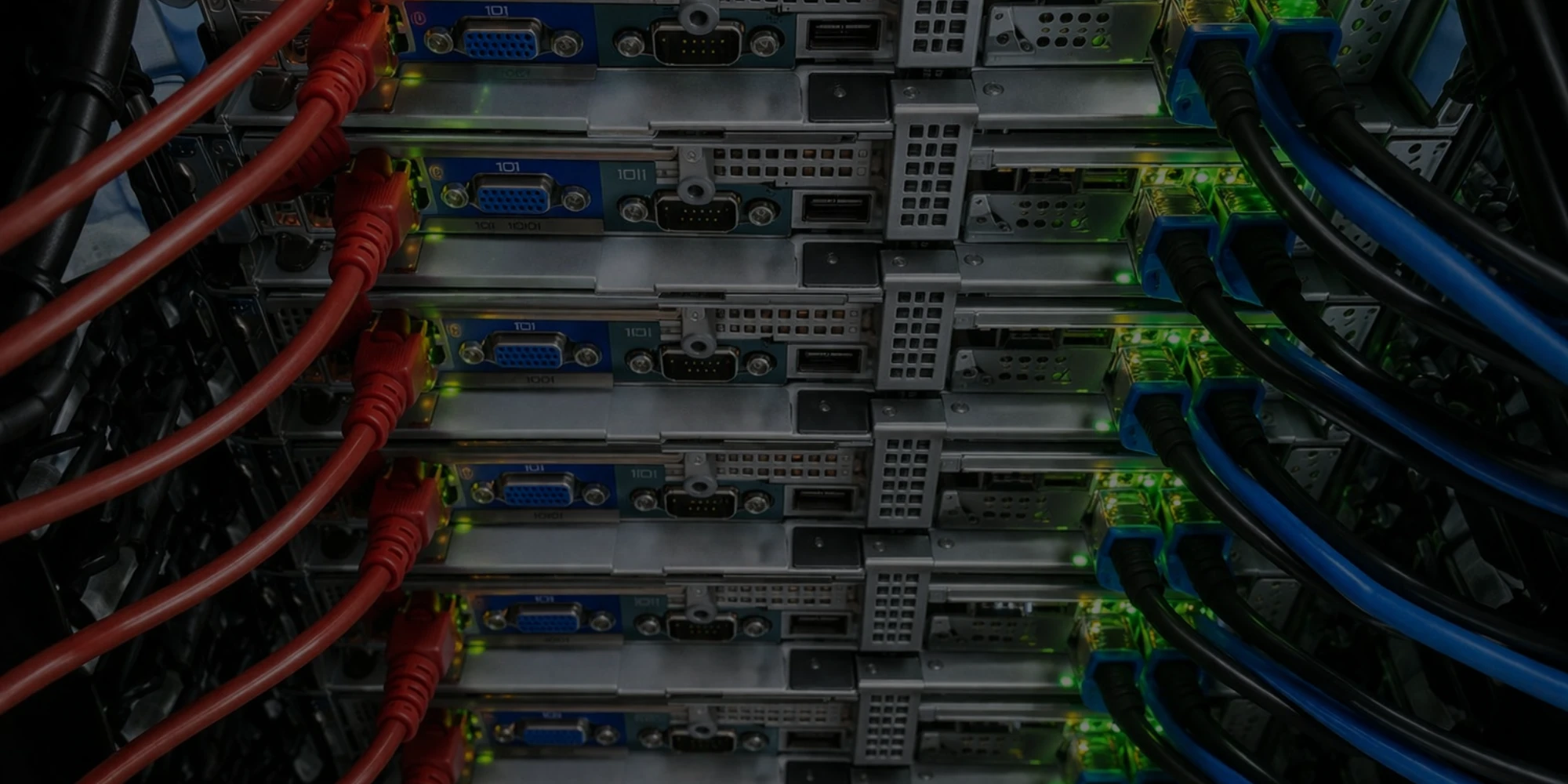
Docker Dedicated Servers banner

Why Choose Servers99 for Docker Dedicated Server Hosting?

Running Docker on bare metal offers a massive performance boost compared to standard cloud or VPS environments. Here is exactly why developers and IT teams trust Servers99 for their heavy-duty container workloads.

Maximum I/O Performance

Skip the virtualization layer entirely. Your containers interact directly with our NVMe storage and enterprise-grade CPUs, reducing latency and maximizing read/write speeds for database containers.

Tweak and Configure Everything

With full root access, you are not locked into our setup. Modify your Linux kernel, configure custom Docker network bridges, and manage firewall rules exactly how your application requires.

Handle High-Traffic Workloads

Docker environments often process thousands of micro-requests per second. Our dedicated servers come with high-bandwidth ports and unmetered data options to ensure your internal and external traffic never bottlenecks.

Hardware-Level Isolation

Public cloud environments share hardware. By hosting your Docker Swarm or standalone containers on Servers99 dedicated hardware, you physically isolate your data, significantly reducing your attack surface.

What Can You Do With Docker + Servers99?

From testing simple web apps to deploying complex enterprise infrastructure, our bare-metal servers give Docker the exact resources it needs to function reliably.

Run Complex Microservices

Scale Without Limits
The Benefit

Break down monolithic applications into smaller, manageable microservices. Run dozens or even hundreds of isolated containers simultaneously without worrying about exhausting shared server resources.

Automate CI/CD Pipelines

Speed Up Development Cycles
The Benefit

Build robust staging and testing environments. Connect Docker with Jenkins, GitLab CI, or GitHub Actions to automatically spin up, test, and tear down containers in seconds.

Host Production Databases

Reliable Data Storage
The Benefit

Safely run PostgreSQL, MySQL, or MongoDB inside containers. Pair Docker volumes with our dedicated NVMe drives to ensure your database operations remain fast and your data remains persistent.

Build Custom Hosting Environments

Create Your Own PaaS
The Benefit

Use tools like Portainer or Coolify on top of your Servers99 machine to create your own internal platform-as-a-service, giving your development team an easy way to deploy apps instantly.

How to Install Pterodactyl Panel on a Dedicated Server
Latest Guide

How to Install Docker on Ubuntu Server

Looking to host your own game servers? Follow our step-by-step guide to easily install and configure the Pterodactyl Panel on a Servers99 dedicated server running Ubuntu or Debian.

Read Full Guide

Docker Hardware Requirements

Running Docker containers requires a solid hardware foundation. While the Docker Engine itself is incredibly lightweight, your server's hardware needs will scale based on the databases, web applications, and microservices you plan to deploy. To ensure smooth orchestration and zero bottlenecks for your containerized workloads, we recommend the following baseline specifications:

Specification Minimum Requirements Recommended Specs
Processor (CPU) 4 Cores (Intel Xeon / AMD EPYC) 8+ Cores (High-frequency Xeon / Ryzen)
Memory (RAM) 8 GB DDR4 32 GB - 128 GB+ DDR4/DDR5
Storage (Disk) 120 GB SSD 500 GB+ Enterprise NVMe
Operating System Ubuntu 22.04 / Debian 11 Ubuntu 24.04 LTS / Debian 12 / AlmaLinux 9
Network 100 Mbps Uplink 1 Gbps+ Port for fast image pulls


Hardware Note: When sizing a dedicated server for Docker, RAM and Storage I/O are your most critical components. Running multiple isolated containers simultaneously consumes memory quickly. Furthermore, if you are running database containers (like MySQL or PostgreSQL), opting for NVMe storage is highly recommended to prevent disk read/write bottlenecks on your Docker volumes.

Got Questions?

Why should I use a dedicated server for Docker instead of a VPS?

A VPS splits server resources among multiple users using a hypervisor. This virtualization layer consumes CPU and RAM. A bare-metal dedicated server gives you 100% of the hardware. This means your Docker containers run faster, handle more traffic, and suffer from zero "noisy neighbor" latency drops.

Can I assign dedicated public IP addresses directly to specific Docker containers?

Yes. Since you have full root and network access on your Servers99 machine, you can order additional IPv4 or IPv6 addresses. You can then use Docker's macvlan network driver or set up custom bridge networks to assign distinct public IPs to individual containers.

How do I handle persistent storage for database containers on your servers?

Docker containers are ephemeral, meaning data is lost when they are deleted. To prevent this, you can mount Docker Volumes or bind mounts directly to our high-speed NVMe drives. This ensures your PostgreSQL, MySQL, or MongoDB data remains persistent, secure, and benefits from maximum read/write hardware speeds.

Do you pre-install Docker Engine, or do I have to do it myself?

By default, we provide a clean, minimal OS installation (like Ubuntu, Debian, or AlmaLinux) so you have complete control over your environment. However, we can pre-install Docker Engine for you upon request (conditions apply). If you prefer to set it up yourself, it only takes a few minutes, feel free to explore our tutorial for step-by-step installation instructions.

Is there a limit to how many containers I can run simultaneously?

No. Servers99 does not impose any artificial software limits. The only limitation is the physical RAM, CPU, and storage capacity of the dedicated server plan you select. You can run hundreds of lightweight microservices if your hardware supports it.

Can I install a custom Linux kernel for my Docker environment?

Absolutely. Because you are renting a bare-metal server with full root access, you are not restricted by shared kernels (like you are in OpenVZ or LXC containers). You can upgrade, downgrade, or compile custom Linux kernels to meet the specific requirements of your Docker daemon or application

How easy is it to migrate my existing Docker setup to Servers99?

Migration is straightforward. Since Docker standardizes environments, you simply need to pull your container images from your registry (like Docker Hub or a private registry) onto your new server, copy over your persistent volume data, and run your docker-compose up command.

Are Docker containers secure on a bare-metal server?

Yes, significantly more secure than shared hosting. On a dedicated server, your hardware is physically isolated from other customers, eliminating cross-tenant hardware vulnerabilities. By combining this hardware isolation with standard Docker security practices (like running rootless containers), you create a highly secure infrastructure.

Can I run Docker Swarm or set up Kubernetes nodes on Servers99?

Yes. Many of our enterprise clients rent multiple dedicated servers and connect them via private networking to build highly available Docker Swarm clusters or Kubernetes (K8s) environments for production-grade container orchestration.

Do you provide automatic backups for my Docker volumes?

Our dedicated servers are unmanaged, meaning you are responsible for your data. However, we offer additional backup storage blocks. We highly recommend configuring cron jobs to automatically back up your critical Docker volumes and database dumps to an off-server storage location.

Ready to Scale Your Docker Infrastructure?

Stop fighting with CPU limits and network bottlenecks on shared VPS environments. Get the raw, bare-metal power of a Servers99 Dedicated Server to run your Docker containers exactly how they were meant to run. Whether you are testing a few isolated microservices or orchestrating a massive, high-traffic production environment, we provide the stable hardware foundation your applications demand.

Our Partners

  • China-Mobile logo
  • China-Telecom logo
  • Cogent logo
  • Comporium logo
  • cox logo
  • crownCastle logo
  • First-Digital logo
  • Flo-Networks logo
  • Hurricane-Electric logo
  • IX-Denver logo
  • IX-Reach logo
  • Link-Oregon logo
  • LS-Networks logo
  • Lumen logo
  • MCNC. logo
  • Megaport logo
  • MOX-networks logo
  • new-cross-pacific logo
  • uniti-fiber logo
  • accelecom logo
  • alaska-communications logo
  • altafiber logo
  • American-Samoa-Hawaii-Cable logo
  • American-Samoa-Telecommunications logo
  • Arelion logo
  • Arvig logo
  • Astound logo
  • AT&T logo
  • Atlantic-Broadband logo
  • Bandwidth logo
  • Beehive logo
  • Bluesky-Communications logo
  • Breezeline logo
  • CentraCom logo
  • charter-spectrum logo
  • china-unicom logo
  • Comcast logo
  • Consolidated-Communications logo
  • chunghwa-telecom logo
  • conterra-networks logo
  • DE-CIX-Exchange logo
  • FiberLight logo
  • ntt logo
  • Frontier logo
  • gtt logo
  • Hawaiki logo