-
Get in touch
-
611 Gateway Blvd ,
South San Francisco ,
CA 94080 United States - sales@servers99.com
- +1 240 916 2564
-
Build Your Private Cloud on Bare Metal
Transform a single dedicated server into a scalable infrastructure. Deploy flexible Virtual Machines (VMs) with industry-leading hypervisors.

Why Virtualize with Servers99?
Virtualization allows you to squeeze every ounce of value out of your hardware by running multiple isolated operating systems on a single physical machine. But efficient virtualization requires specific hardware capabilities. At Servers99, we build our servers specifically to handle the Noisy Neighbor effect and resource contention of virtual environments.

Proxmox VE
Best For:
Private Clouds & VPS Providers
The Open-Source Powerhouse: A complete enterprise virtualization platform that integrates the KVM hypervisor and LXC containers, software-defined storage, and networking on a single platform. It offers a web-based UI that rivals paid enterprise solutions.
Learn More
VMware ESXi
Best For:
Corporate IT & Legacy Enterprise
The Enterprise Standard: The world’s most deployed bare-metal hypervisor. Known for its rock-solid stability and broad OS compatibility. While it often requires licensing for advanced features, it remains the top choice for corporate environments.

KVM (Kernel-based Virtual Machine)
Best For:
SysAdmins who prefer command-line control
Native Linux Virtualization: KVM turns Linux into a hypervisor. It allows you to run multiple virtual machines running unmodified Linux or Windows images. It is built directly into the Linux kernel, offering incredible performance with minimal overhead.

XCP-ng
Best For:
Users migrating away from Citrix/VMware
The Modern Xen Alternative: Based on XenServer, XCP-ng is a powerful, open-source turnkey virtualization platform. It is designed to be a drop-in replacement for expensive proprietary hypervisors, offering a great balance of features and community support.
Infrastructure
Unmatched Performance: The Servers99 Hardware Advantage
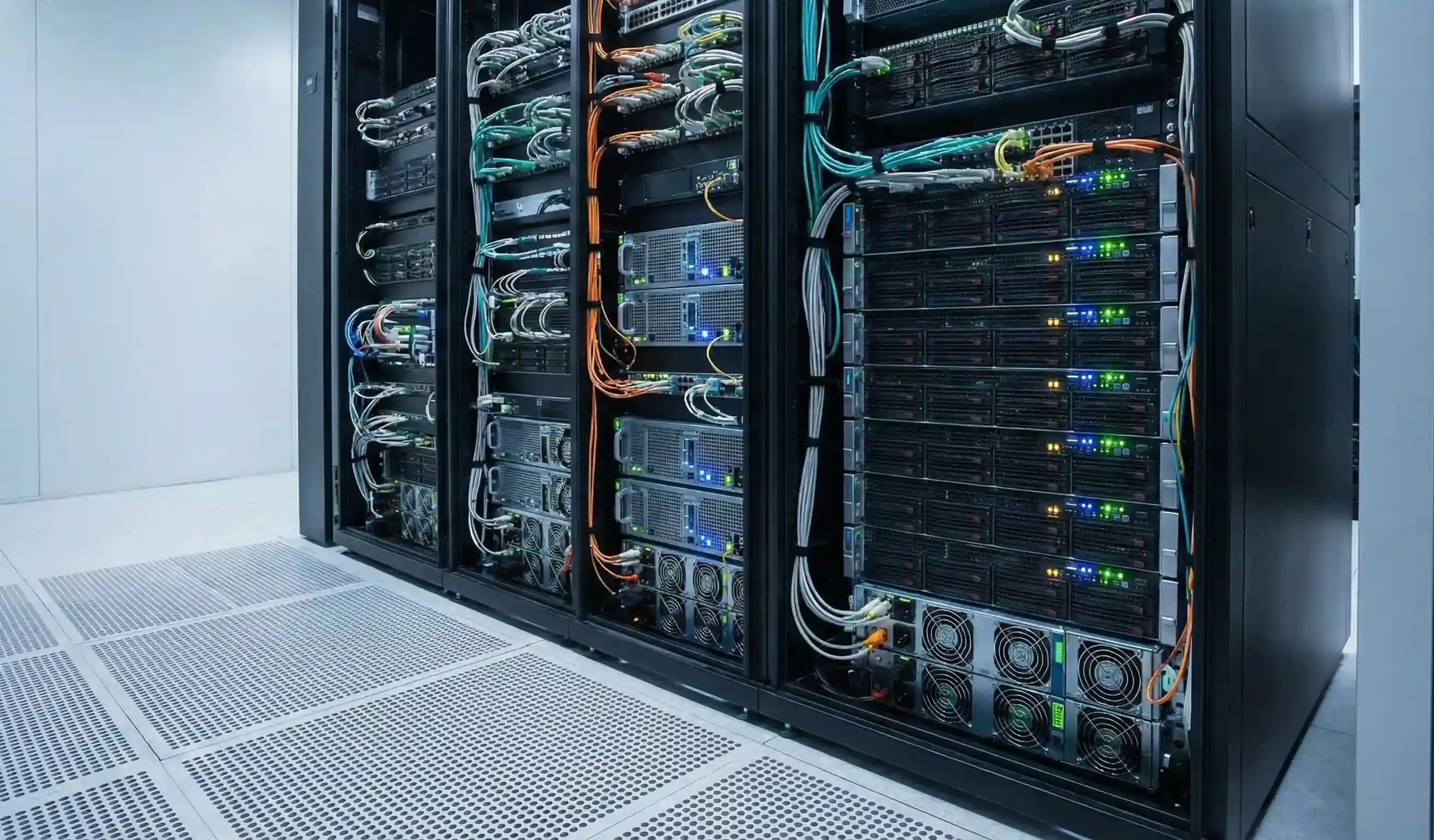
At Servers99, we believe your infrastructure should never be the bottleneck. We have engineered our dedicated server environment to handle the most demanding multi-tenant workloads with ease. By combining top-tier processing power with massive memory capacity and enterprise-grade storage, we guarantee that your applications remain stable and responsive, no matter how heavy the load gets.
Massive Core Counts
Leverage the raw power of AMD EPYC and Dual Intel Xeon processors. With an abundance of physical cores at your disposal, you can assign dedicated vCPUs to dozens of clients, ensuring consistent performance without the degradation often found in shared environments.
Extreme RAM Density
Run your most memory-hungry applications with total confidence. We offer high-density configurations with up to 1TB of RAM, ensuring your Virtual Machines never crash due to "Out of Memory" errors and can handle peak traffic effortlessly.
Superior I/O Throughput
A single slow drive can bring an entire server to a halt, but not at Servers99. We utilize Enterprise NVMe arrays to eliminate storage bottlenecks. Even if 20+ VMs are reading and writing simultaneously, our blazing-fast throughput ensures zero lag and instant data access.
Launch Your Infrastructure on Bare Metal
Don’t let weak hardware bottleneck your VMs. Pair your preferred virtualization platform with our high-core enterprise servers for maximum density and speed.
Frequently Asked Questions
Everything you need to know about Servers99 Virtualization
1 How many Virtual Machines (VMs) can I put on one dedicated server?
There is no hard limit; it depends entirely on your hardware resources and what the VMs
are doing. A general rule of thumb is to ensure you have enough RAM for the host OS
(2-4GB) plus the sum of all your VMs' RAM. CPU cores can be oversold (shared),
but RAM cannot.
2 Can I get additional IP addresses for my VMs?
Yes. To run a VPS hosting business or distinct web services, each VM usually needs its
own public IP. At Servers99, we offer additional IP blocks (subnets) that you can easily route to
your virtual machines via your hypervisor's network bridge.
3What is the difference between a Container (LXC) and a VM?
A Virtual Machine (VM) runs a full Operating System kernel (like running Windows inside
Linux). A Container (LXC) shares the host's Linux kernel, making it much lighter and
faster to boot, but it can usually only run Linux distributions. Proxmox supports both.
4 Do these hypervisors support Windows Server?
Yes. Proxmox, VMware, and XCP-ng all support Windows Server and Windows 10/11 as guest
operating
systems. However, you will need to provide your own Microsoft license keys for
the Windows instances you create.
5Do I need a separate control panel to sell VPS hosting?
If you want to automate the selling and provisioning of VPS to customers (like billing
them and auto-creating the VM), you will likely need a management layer like Virtualizor
or SolusVM installed on top of these hypervisors