Game development infrastructure is changing fast. Teams are now building larger worlds, running heavier asset pipelines, and depending more on AI for coding, content creation, simulation, and QA. In March 2026, NVIDIA used GDC to show how studios can move away from scattered desk-bound workstations and toward centralized GPU infrastructure with NVIDIA RTX PRO Server, powered by NVIDIA RTX PRO 6000 Blackwell Server Edition GPUs and NVIDIA vGPU software.
That shift matters because modern studios do not just need raw graphics power. They need a platform that can serve artists, developers, AI researchers, and QA teams without forcing every workload onto separate hardware islands. NVIDIA’s position is that RTX PRO Server can unify these workflows on shared infrastructure while still delivering workstation-class responsiveness and visual fidelity.
What Is NVIDIA RTX PRO Server?
NVIDIA RTX PRO Server is positioned as a universal data center platform for enterprise AI, industrial AI, graphics, and visual computing. In the game development context, NVIDIA is specifically framing it as a way to virtualize production workflows so teams can centralize GPU resources in the data center instead of scaling workstation by workstation.
This makes sense for studios that want more consistency across teams. When every department uses different local hardware, driver versions, and configurations, debugging gets harder and GPU capacity often sits idle in one place while another team is blocked. Centralized GPU infrastructure helps reduce that inefficiency by pooling performance where it is needed most. NVIDIA also says the same infrastructure can be reallocated between daytime interactive work and overnight AI training, simulation, and automation tasks.
Why the RTX PRO 6000 Blackwell Server Edition Stands Out
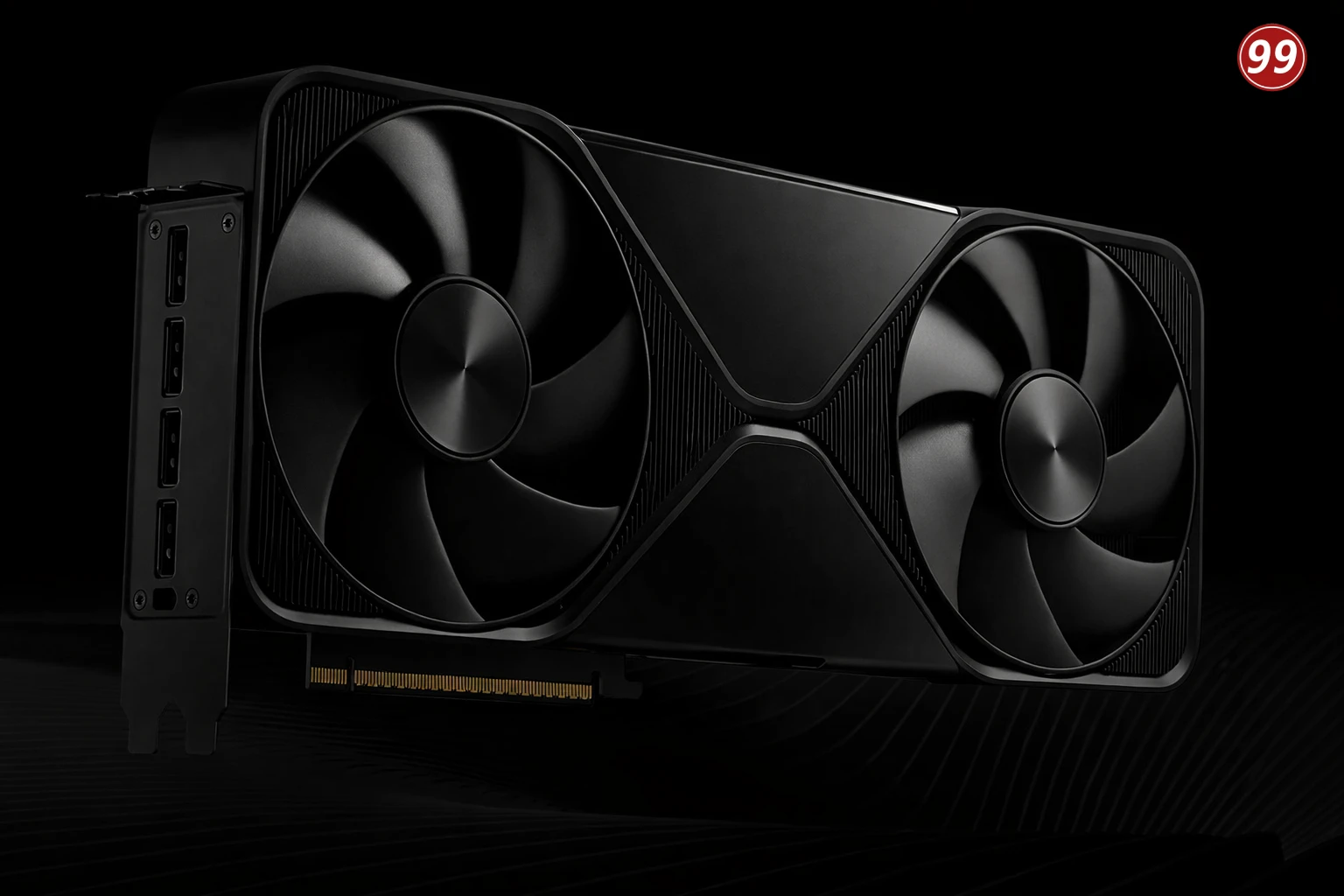
The NVIDIA RTX PRO 6000 Blackwell Server Edition is the core GPU behind this story. According to NVIDIA’s official specifications, it includes 96GB of GDDR7 memory, PCIe Gen 5 support, 24,064 CUDA cores, 188 fourth-generation RT Cores, and up to 1,597 GB/s of memory bandwidth. NVIDIA also lists up to 600W configurable maximum power consumption depending on configuration.
For virtualization and multi-tenant environments, one of the most important features is Multi-Instance GPU, or MIG. NVIDIA says MIG can create up to four isolated instances on this GPU, and when MIG is combined with NVIDIA vGPU software, some configurations can support up to 48 concurrent virtual machines or users on a single GPU. That is a major reason why the RTX PRO Server platform is being discussed not only for graphics, but also for shared AI and development environments.
Best Workloads for NVIDIA RTX PRO 6000 Blackwell Server Edition
The most obvious workloads include virtual workstations for 3D artists, rendering pipelines, game development environments, AI-assisted content workflows, code generation, QA validation, simulation, and AI inference. NVIDIA’s own messaging for game development highlights artists, developers, AI researchers, and QA teams as core users of the platform. Its broader RTX PRO Server positioning also extends to agentic AI, digital twins, simulation, analytics, graphics, and video workloads.
That means this is not just another GPU add-on story. It is part of a larger shift toward dedicated servers with GPU resources that can be centrally managed, segmented, virtualized, and allocated based on workload priority.
NVIDIA RTX PRO 6000 Blackwell Server Edition at a Glance
For teams evaluating dedicated GPU infrastructure, the NVIDIA RTX PRO 6000 Blackwell Server Edition stands out for its large 96GB GDDR7 memory, PCIe Gen 5 connectivity, MIG support, and fit for virtualized graphics and AI workloads.
| Feature | NVIDIA RTX PRO 6000 Blackwell Server Edition | Why |
|---|---|---|
| GPU Memory | 96GB GDDR7 with ECC | Supports larger 3D scenes, AI models, simulation datasets, and multi-user virtualized workloads |
| Memory Bandwidth | Up to 1,597 GB/s | Helps with data-heavy rendering, AI inference, and graphics-intensive pipelines |
| Interface | PCIe Gen 5 x16 | Suits modern server platforms and high-throughput enterprise deployments |
| Power Range | 400W to 600W | Designed for serious data center and server-class environments |
| CUDA Cores | 24,064 | Delivers high parallel compute capacity for graphics and AI workloads |
| RT Cores | 188 fourth-generation RT Cores | Useful for ray tracing, visual computing, and advanced rendering workflows |
| Tensor Cores | Fifth-generation Tensor Cores | Improves AI inference, fine-tuning, and AI-assisted production tasks |
| MIG Support | Up to 4 MIG instances | Allows one GPU to be partitioned into isolated resources for different users or workloads |
| Virtualization Fit | Supports NVIDIA vGPU software | Enables centralized GPU infrastructure for virtual workstations and shared production environments |
| Multi-User Density | In some combined MIG + vGPU setups, up to 48 concurrent users/VMs per GPU | Useful for studios and enterprises trying to improve GPU utilization across teams |
| Best-Fit Workloads | 3D graphics, virtual workstations, AI inference, game development, QA, simulation | Matches mixed-use GPU server deployments instead of single-purpose desktop hardware |
Why Dedicated GPU Servers Still Matter
Even if the NVIDIA story focuses on virtualization, the hardware still needs a real infrastructure foundation. That is where dedicated GPU servers remain highly relevant.
For many enterprises, studios, and AI teams, dedicated GPU servers offer three practical advantages. First, they provide predictable isolation. Second, they give teams more control over scheduling, resource allocation, and software environments. Third, they make it easier to build repeatable infrastructure for rendering, AI inference, virtual workstations, and graphics-heavy production work.
In other words, virtualization does not replace dedicated servers with GPU hardware. It makes them more useful.
Where Servers99 Fits
If your business is looking for gpu dedicated servers that can support virtualization, rendering, AI inference, and graphics-heavy pipelines, the NVIDIA RTX PRO Server model is worth serious attention. For companies that need dedicated servers with gpu performance for centralized production environments, the move away from isolated local workstations can improve consistency, utilization, and operational control.
Servers99 NVIDIA RTX PRO Server solutions are a strong fit for organizations that want to evaluate centralized GPU infrastructure for game development, AI-assisted workflows, remote workstations, and enterprise visual computing. Instead of treating GPU power as a single-user desktop asset, teams can think in terms of scalable, dedicated GPU infrastructure built around real business workloads.
Frequently Asked Questions
1 What is NVIDIA RTX PRO Server?
2 What workloads fit the NVIDIA RTX PRO 6000 Blackwell Server Edition?
3 What is the RTX PRO 6000 Blackwell Server Edition price?
4 Does the NVIDIA RTX PRO 6000 Blackwell Server Edition support virtualization and multi-user workloads?
5Is the NVIDIA RTX PRO 6000 Blackwell Server Edition available now?
Looking for a Dedicated GPU Server for AI, Rendering, or Virtual Workstations?
Servers99 offers NVIDIA RTX PRO Server solutions for teams that need centralized GPU performance for game development, 3D workflows, AI inference, and enterprise visual computing. If you are planning a move from isolated workstations to scalable dedicated GPU infrastructure, contact Servers99 to discuss deployment options and workload fit.